This guide walks you through creating an Oracle 18c Database System in Oracle Cloud Infrastructure (OCI).
Note: I am assuming that you have already created all the necessary networking components in your OCI tenancy.
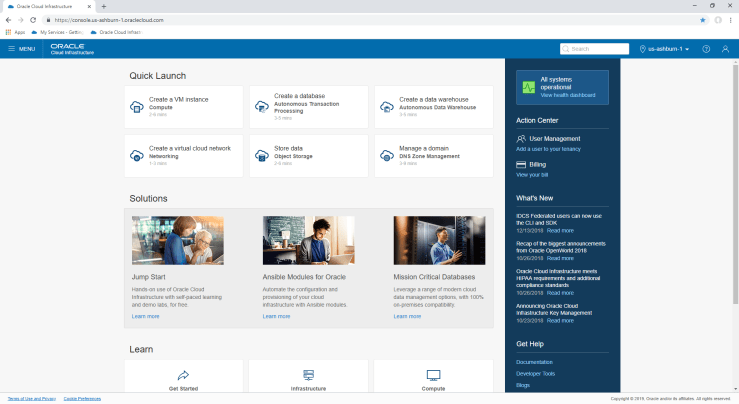
OCI Home Page
Starting from the OCI Home page, hit the Menu link in the top left-hand corner, and the select “Bare Metal, VM, and Exadata” under the Database heading.

Hit the blue “Launch DB System” button and fill in the form and press “Launch DB System” at the bottom


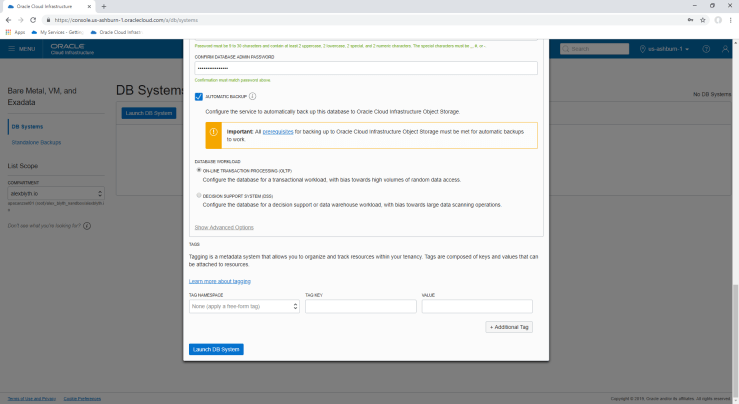
After you hit “Launch DB System”, the console will report the system is provisioning

Time to grab a cuppa or lunch and leave this to run for a while. You’ll know when its done when the orange box with “DBS” in it goes a lovely green colour.

And you’re done. You can now ssh to the VM and start using the database.
To connect applications, SQL Developer etc, you’ll have to add port 1521 to the subnet Security List the Database System was provisioned in. Port 1521 is already open on the VM firewall.
 alexblyth.net
You must be logged in to post a comment.